

Manage Every Device From One Console
No Complexity, No Compromise.
The Reality Of Managing Devices At Scale
Device management is often the most overlooked aspect of IT until it’s too late, resulting in high repair costs.
Without MDM, IT admins could spend up to 2 hours configuring basic Mac settings, such as Wi-Fi, VPN, email, and other company apps. This is impractical to follow if there are a hundred devices that need attention.
In the event of a lost or stolen device, there’s almost no way to lock sensitive data. If an old employee leaves, they may still have access to critical data.
We help companies implement zero-touch deployment, which eliminates the need to manually set up each new device, saving time and speeding onboarding. With zero-touch deployment, employees receive devices that are automatically configured with the apps, settings, and security they need as soon as they sign in.
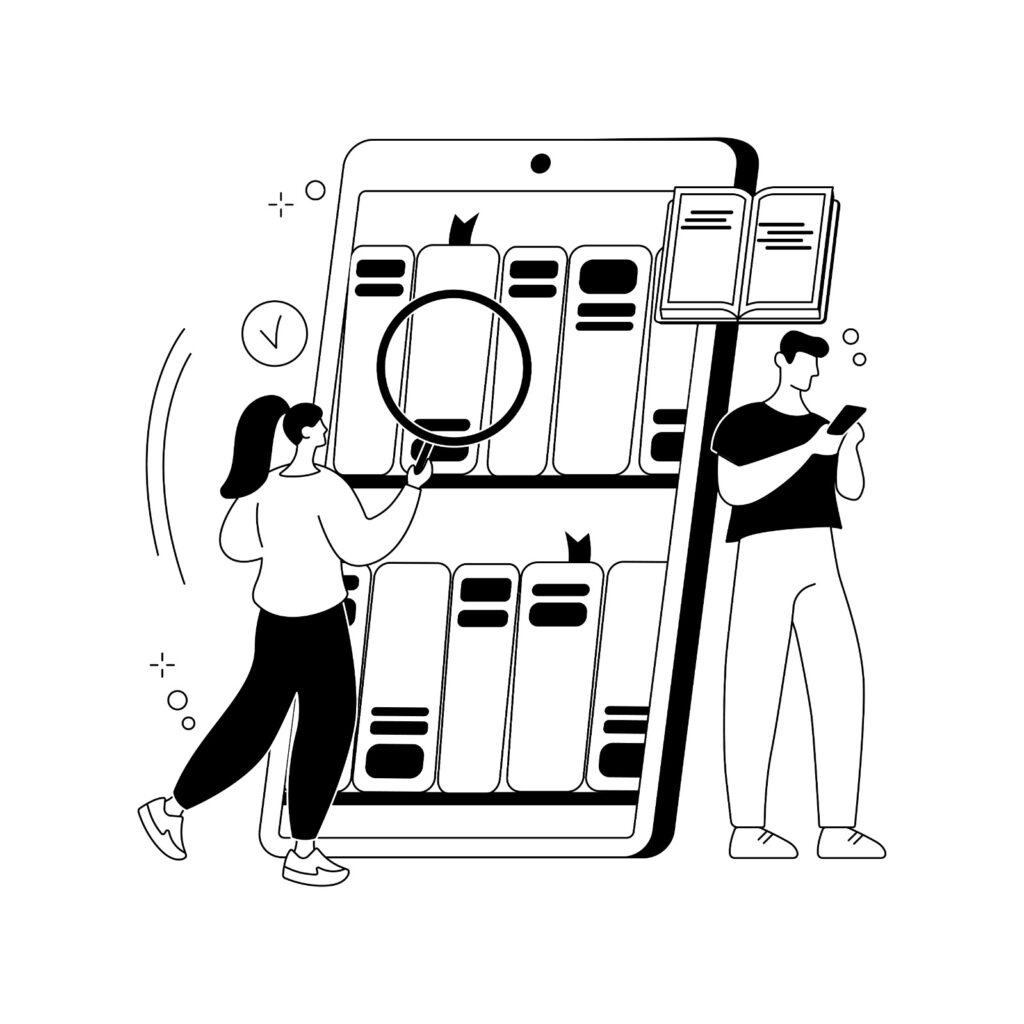
The problems organisations face without centralised device management
Every new device has to be set up manually before it reaches an employee.
IT teams have no easy way to see which devices are active or whether they're up to date.
Keeping security settings consistent across every device becomes difficult.
Software updates and patches often rely on manual intervention.
Recovering or securing devices when an employee leaves can be time-consuming.
Preparing for audits or compliance checks becomes harder without a central view of all devices.
As the number of devices grows, these day-to-day tasks take up more of the IT team’s time and make it harder to manage the environment efficiently.
What Is MDM, And Why It Matters?
Mobile Device Management (MDM) provides IT teams with a single platform to manage company devices. Instead of configuring each laptop, tablet, or phone individually, administrators can manage them all from a central dashboard.
A new application or security update can be deployed remotely. This approach works for all compliance policies and device management needs. Any change can be applied across all managed devices at once.
In case of Apple devices, Vega integrates with Apple Business Manager and leading MDM platforms such as Jamf Pro. When a new MacBook or iPad is switched ON for the first time, it automatically joins your organisation’s device management system. The required applications are installed, security settings are applied, and the device is ready for the employee to use without manual IT setup
Vega is managing over 20,000 devices today. Tata Motors alone trusts us with 4,000 iPads across their organisation.
What MDM Actually Controls
Policy Management

Software & Patch Management

Inventory & Hardware Tracking

Single Sign-On (SSO) & Application Management

Security & Loss Prevention

Real-Time Monitoring & Reporting
Policy Management
Different teams often need different levels of access and security. With MDM, IT can apply policies based on departments, job roles, or device types, without configuring every device individually.
For example, finance teams can have stricter security controls, while creative teams can be given the flexibility they need. Password rules, Wi-Fi and email settings, approved applications, device restrictions, and other security policies are applied automatically to managed devices.
Software & Patch Management
Security patches are released constantly. Manual installation is impractical at an enterprise scale. MDM allows IT to schedule OS updates and patch deployments across all devices at once, testing in a controlled group first and rolling them out automatically within a maintenance window that minimizes business disruption.
Inventory & Hardware Tracking
An MDM platform gives you a clear view of every managed device from a single dashboard. You can see details such as the operating system, storage, memory, battery health, warranty status, and other key device information.
This makes it easier to identify devices that need replacing, plan refresh cycles, track software compliance, manage warranties, and maintain an accurate inventory across your organisation.
Single Sign-On (SSO) & Application Management
If a device is lost or stolen, or issued to an employee who has left the organisation, the IT team can take immediate action. Devices can be locked remotely, business data can be removed, or the device can be wiped completely to help protect sensitive company information.
Security & Loss Prevention
If a device is lost or stolen, or issued to an employee who has left the organisation, the IT team can take immediate action. Devices can be locked remotely, business data can be removed, or the device can be wiped completely to help protect sensitive company information.
Real-Time Monitoring & Reporting
An MDM dashboard gives your IT team a real-time view of every managed device. It’s easy to see which devices are up to date, which need security patches, and which no longer meet your organisation’s policies.
The same information can be used to generate reports for internal reviews, compliance requirements, and audits whenever they’re needed.

Jamf Deployment & Management Services
As an authorised Apple partner, Vega Solutions helps organisations deploy and manage Jamf for MacBooks, iPhones, iPads, and Apple TV devices. We integrate Jamf with Apple Business Manager to simplify device deployment and day-to-day management.
New devices can be enrolled automatically, applications can be deployed remotely, and security policies can be applied from a central console. Our team also helps configure Wi-Fi, VPN, email, encryption, operating system updates, and compliance settings.
Beyond implementation, we provide administrator training, user onboarding, ongoing support, and device lifecycle management to help your Apple environment run smoothly.
Why Enterprises Choose Vega for MDM
Vega Solutions currently manages over 30,000 devices for organisations across India. This hands-on experience helps us deliver reliable MDM deployments, smooth device rollouts, and ongoing management backed by real operational expertise.
Apple-Native Expertise
As an authorised Apple enterprise partner, we bring deep knowledge of Apple Business Manager, Apple’s native device management platform. Unlike generic MDM providers, our Jamf Pro implementations are optimised specifically for Apple environments, leveraging:
- Automated device enrollment
- FileVault enforcement for encryption
- macOS and iOS native security features
- Apple-specific policy capabilities
- MDM integration that leverages Apple's security framework
- App Management
- Data Protection

Multi-Platform Capability
While Apple is a core area of expertise, Vega also manages Windows, Android, ChromeOS, and Linux devices. From a single platform or operating system, we help manage them.

Dedicated Support, Not a Helpdesk
Each enterprise client is assigned a dedicated MDM engineer who understands your environment and device policies. Instead of explaining your setup every time, you work with someone who knows your systems and can provide consistent support whenever you need it.

End-to-End Implementation
Vega supports your MDM environment from planning through ongoing management. Our services include the following:
- Reviewing your existing device environment.
- Selecting and deploying the right MDM platform.
- Configuring policies to match your security and business requirements.
- Enrolling and managing devices at scale.
- Integrating with Active Directory or Microsoft 365.
- Training your IT team and end users.
- Providing ongoing management, support, and policy updates as your requirements evolve
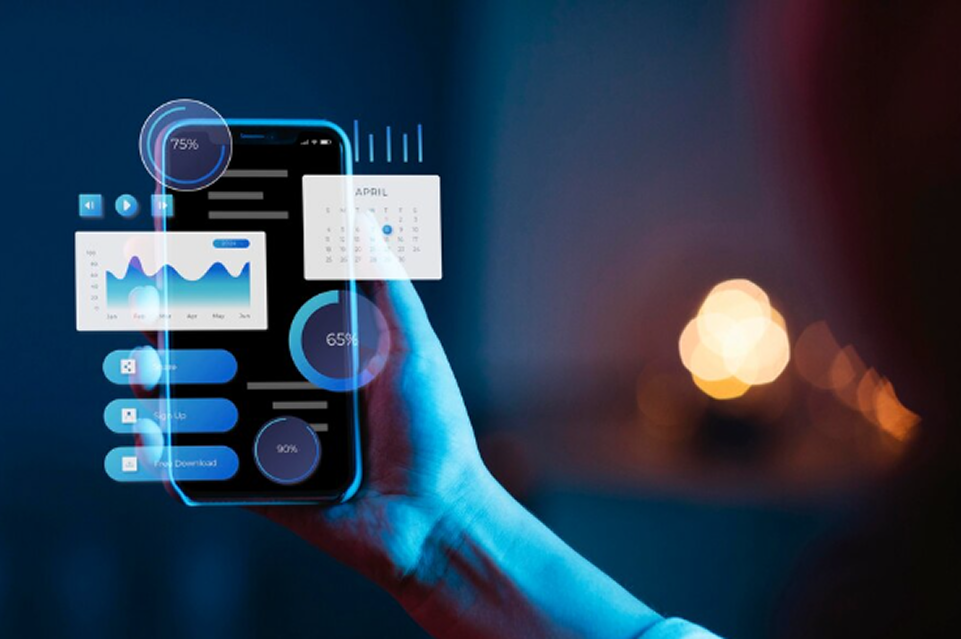
Key MDM Capabilities At Vega
Easy Device Enrollment
Set up new devices quickly with automated enrollment and zero-touch deployment.
Centralised Policy Management
Apply security settings and device policies from one central console.
Application Management
Deploy business applications and manage updates remotely.
Data Protection
Protect business data with encryption, remote lock, and remote wipe capabilities.
Compliance Monitoring
Track device health, security status, and compliance through a central dashboard.
Identity & Access Integration
Integrate with Active Directory or Microsoft 365 for secure sign-in and access management.
Remote Support
Troubleshoot and manage devices without needing physical access.
Device Inventory
Maintain a complete view of your hardware and software assets.
Patch Management
Roll out operating system and security updates across all managed devices.
Lost Device Protection
Lock, locate, or wipe lost or stolen devices to help protect company data.
Who Needs MDM?
Organisations with Distributed Teams
Managing devices across multiple offices or locations becomes much easier with a centralised MDM platform.
Organisations with Compliance Requirements
Healthcare, finance, government, and other regulated industries use MDM to strengthen device security and support compliance requirements.
Apple-First Organisations
Businesses using MacBooks, iPhones, and iPads can simplify deployment and day-to-day management with Apple Business Manager and MDM.
Organisations with Shared or BYOD Devices
MDM helps manage company-owned and personal devices while keeping business data secure.
Security-Focused Businesses
If protecting company data is a priority, MDM helps secure devices, manage access, and respond quickly when a device is lost, stolen, or no longer in use.
Industries We Serve

Banking & Financial Services

Healthcare & Life Sciences

Manufacturing & Engineering

IT & ITES Companies

Retail & Hospitality

Hospitality

Media & Broadcasting
Frequently Asked Questions
We manage Apple (Mac, iPad, and iPhone), Windows (PCs, tablets), Android, Chromebook, and Linux devices. Vega brings specific expertise to Apple environments but operates across all major platforms.
Yes, for Apple Business Manager enrolled devices. A new Mac or iPad turns on, connects to Wi-Fi, and automatically enrolls into your MDM with pre-configured policies, apps, and settings applied, with no IT intervention required.
Yes, We can enroll existing devices into MDM.
Yes, but you can enforce different policies for personal vs. corporate-owned devices.
MDM lets you immediately remote-lock the device, put it in lost mode, or wipe it completely all without having physical access to it.
No. MDM runs in the background and does not impact device performance. Users experience faster onboarding, automatic updates (no waiting), and simplified sign-on.
Yes, MDM policies can exempt certain user roles or allow local admin rights for specific devices. You retain complete control over permissions.
MDM pricing depends on the platform chosen, number of devices, and scope of support. Vega provides transparent pricing through reduced IT labour and improved security.
One Console. Complete Control. Enterprise Peace of Mind
Stop managing devices one-by-one. Stop worrying about security, compliance, and lost devices. Partner with Vega Solutions to deploy an MDM system that gives your IT team complete visibility and control over every device in your organisation.